




07 Oct 25 TOP TECH INFLUENCERS TEACHING GRAPHIC DESIGN SOFTWARE IN 2025
There’s something fascinating about how technology has turned graphic design education into a global, accessible experience. You don’t need to enroll in expensive art schools anymore—just open YouTube, and you’ll find creators teaching world-class design skills from their bedrooms or studios. These influencers aren’t just instructors; they’re artists, storytellers, and digital innovators shaping the next generation of designers. From Photoshop retouching to Figma prototyping, their lessons cover the entire creative spectrum.
Each tutorial feels like sitting beside a mentor who genuinely wants you to succeed. What’s more interesting is how their styles differ—some teach with calm precision, while others energize you with humor and experimentation. The beauty of their work is how it connects art with real-world design application. Amra and Elma is amazed by how these creators bridge the gap between technical mastery and creative expression. In 2025, they’ve built communities where learning feels less like a lecture and more like collaboration. Together, they represent the best voices teaching graphic design software in a way that feels human, modern, and inspiring.
25 TOP TECH INFLUENCERS TEACHING GRAPHIC DESIGN SOFTWARE IN 2025 (Quick View)
| # | Name | Followers | Industry |
|---|---|---|---|
| 1 | PiXimperfect (Unmesh Dinda) | 5.35M | Photoshop Education |
| 2 | GFXMentor | 3.35M | Illustrator & Photoshop Tutorials |
| 3 | The Futur (Chris Do) | 2.72M | Design & Workflow Education |
| 4 | Benny Productions | 2.2M | Photoshop Compositing |
| 5 | PHLEARN (Aaron Nace) | 2.17M | Photoshop & Lightroom Training |
| 6 | Satori Graphics | 1.5M | Illustrator & Branding Tutorials |
| 7 | tutvid (Nathaniel Dodson) | 1.33M | Adobe Creative Suite Tutorials |
| 8 | DesignCourse (Gary Simon) | 1.15M | Figma & UI Design |
| 9 | Justin Odisho | 1.11M | Photoshop & Adobe Video Tools |
| 10 | Blue Lightning TV (Deke McClelland) | 1.05M | Photoshop Effects Tutorials |
| 11 | Dansky | 977K | Illustrator & XD Design |
| 12 | Will Paterson | 966K | Logo Design & Illustrator |
| 13 | Ben Marriott | 876K | Motion Graphics & After Effects |
| 14 | Gareth David Studio | 817K | Illustrator & Photoshop Projects |
| 15 | Yes I’m a Designer (Martin Perhiniak) | 684K | Adobe Design Education |
| 16 | Spoon Graphics (Chris Spooner) | 582K | Illustrator & Photoshop Tutorials |
| 17 | Logos By Nick | 514K | Inkscape & GIMP Education |
| 18 | Howard Pinsky (Iceflow Studios) | 467K | Photoshop & UI Design |
| 19 | Abi Connick | 425K | Branding & Illustrator Case Studies |
| 20 | Zimri Mayfield | 421K | Logo Redesigns & Illustrator |
| 21 | AJ&Smart | 402K | Figma & Product Design |
| 22 | Charley Pangus | 290K | Photoshop & Illustrator Merch Design |
| 23 | Mizko | 211K | Figma & UI Systems |
| 24 | Punit Chawla | 172K | Figma & Modern Web Design |
| 25 | Gareth David Studio | 817K | Illustrator & Photoshop Education |
25 TOP TECH INFLUENCERS TEACHING GRAPHIC DESIGN SOFTWARE IN 2025
TOP TECH INFLUENCERS TEACHING GRAPHIC DESIGN SOFTWARE #1. PiXimperfect (Unmesh Dinda)
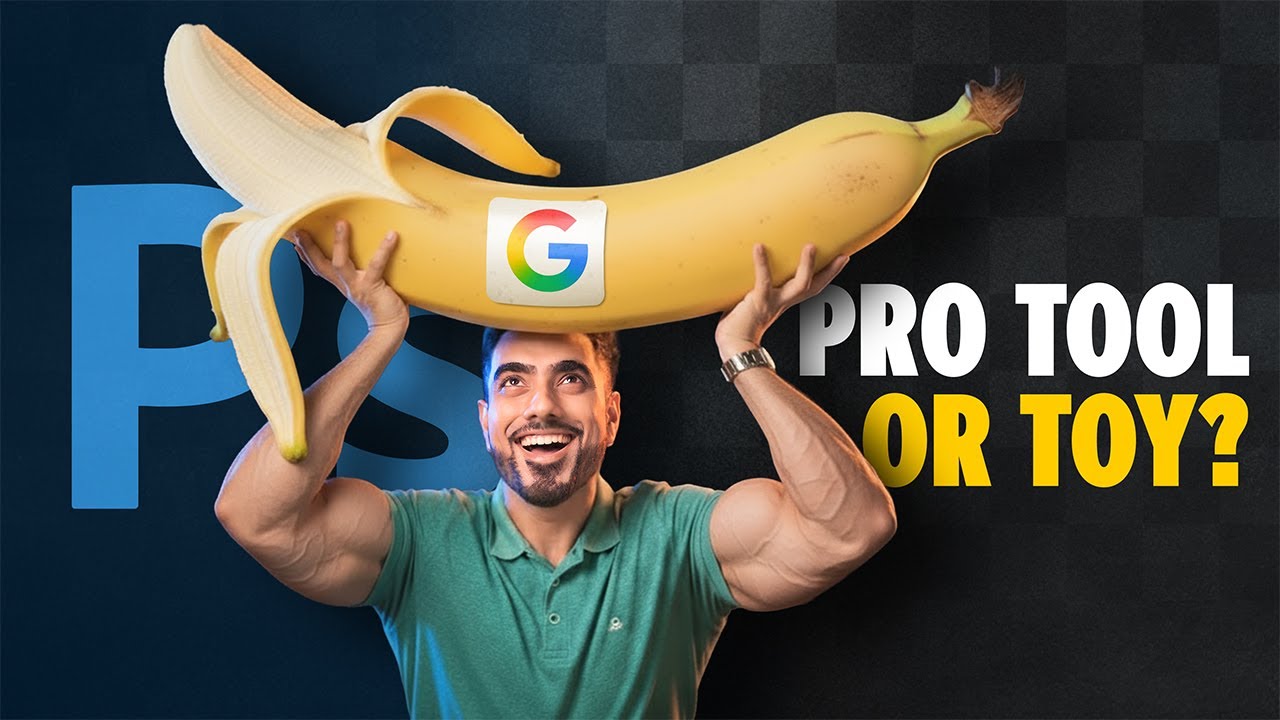
Unmesh Dinda is the creator behind PiXimperfect, a YouTube channel with over 5.3 million subscribers dedicated to Photoshop education. His tutorials simplify complex retouching, compositing, and color grading techniques into digestible lessons. Known for his energetic teaching style, he makes advanced photo editing accessible to learners of all levels. Unmesh’s step-by-step videos often explore hidden Photoshop features that even professionals overlook. He continues to inspire a global community of designers to master their creative tools. His work bridges technical precision with creative freedom in digital design.
TOP TECH INFLUENCERS TEACHING GRAPHIC DESIGN SOFTWARE #2. GFXMentor
GFXMentor is one of the most beloved design educators online, offering bilingual lessons in Urdu and English. With over 3.3 million subscribers, he focuses on Illustrator and Photoshop fundamentals. His calm and patient approach resonates with beginners looking to enter the graphic design world. The channel’s projects often reflect real-world design challenges like logos, posters, and product branding. He’s particularly popular in South Asia for making professional design skills accessible without costly courses. GFXMentor’s tutorials have become a staple for aspiring designers worldwide.

TOP TECH INFLUENCERS TEACHING GRAPHIC DESIGN SOFTWARE #3. The Futur (Chris Do)
Chris Do is the visionary behind The Futur, a creative education brand that blends design with business and technology. With a following of over 2.7 million, he teaches Illustrator, Photoshop, and Figma alongside creative entrepreneurship. His storytelling-driven lessons encourage designers to think strategically rather than just visually. Chris emphasizes pricing, branding, and workflow mastery—skills essential for freelancers and agencies alike. His channel has become a hub for merging creativity with sustainable business growth. Through The Futur, Chris has redefined how designers learn online.

TOP TECH INFLUENCERS TEACHING GRAPHIC DESIGN SOFTWARE #4. Benny Productions
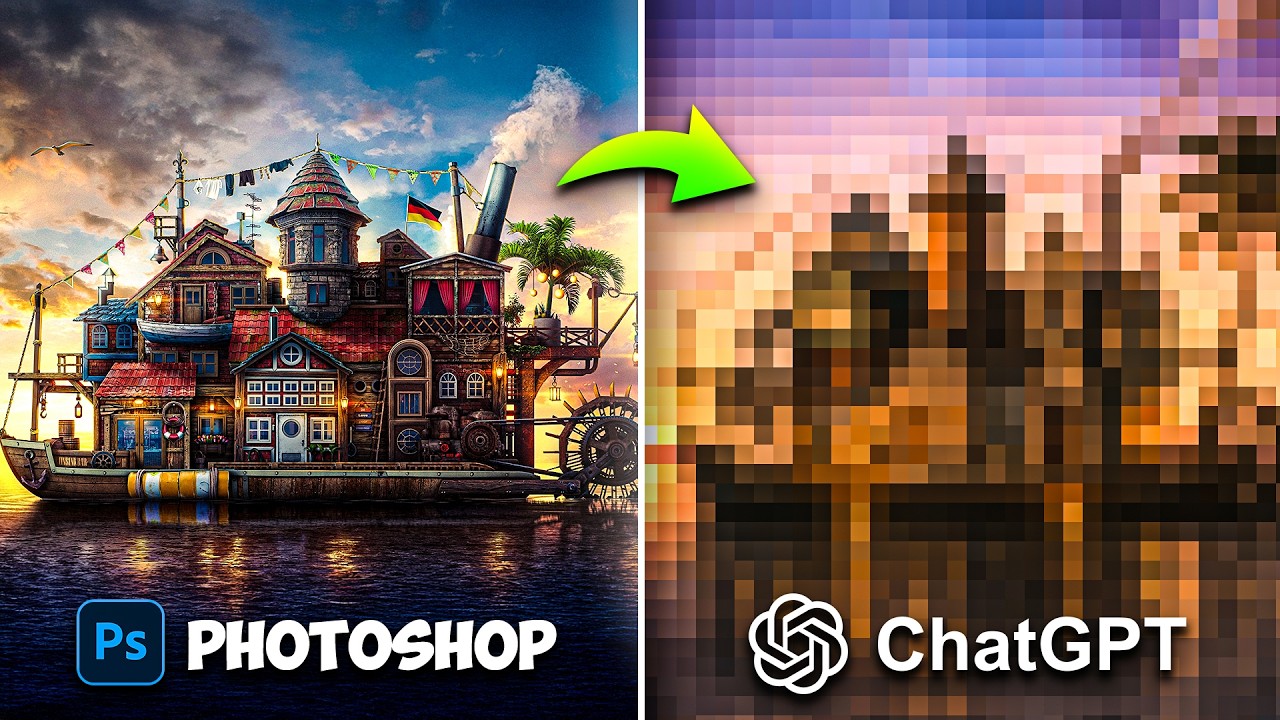
Benny Productions, run by digital artist Benny, has become a YouTube sensation with over 2.2 million followers. His Photoshop edits are cinematic and imaginative, often transforming ordinary photos into surreal worlds. Benny’s process videos combine entertainment and education, appealing to both beginners and professionals. He showcases how digital tools can amplify creativity beyond traditional design. His humorous tone keeps tutorials engaging without losing technical depth. Benny has helped inspire a new generation of Photoshop artists who see design as storytelling.
TOP TECH INFLUENCERS TEACHING GRAPHIC DESIGN SOFTWARE #5. PHLEARN (Aaron Nace)
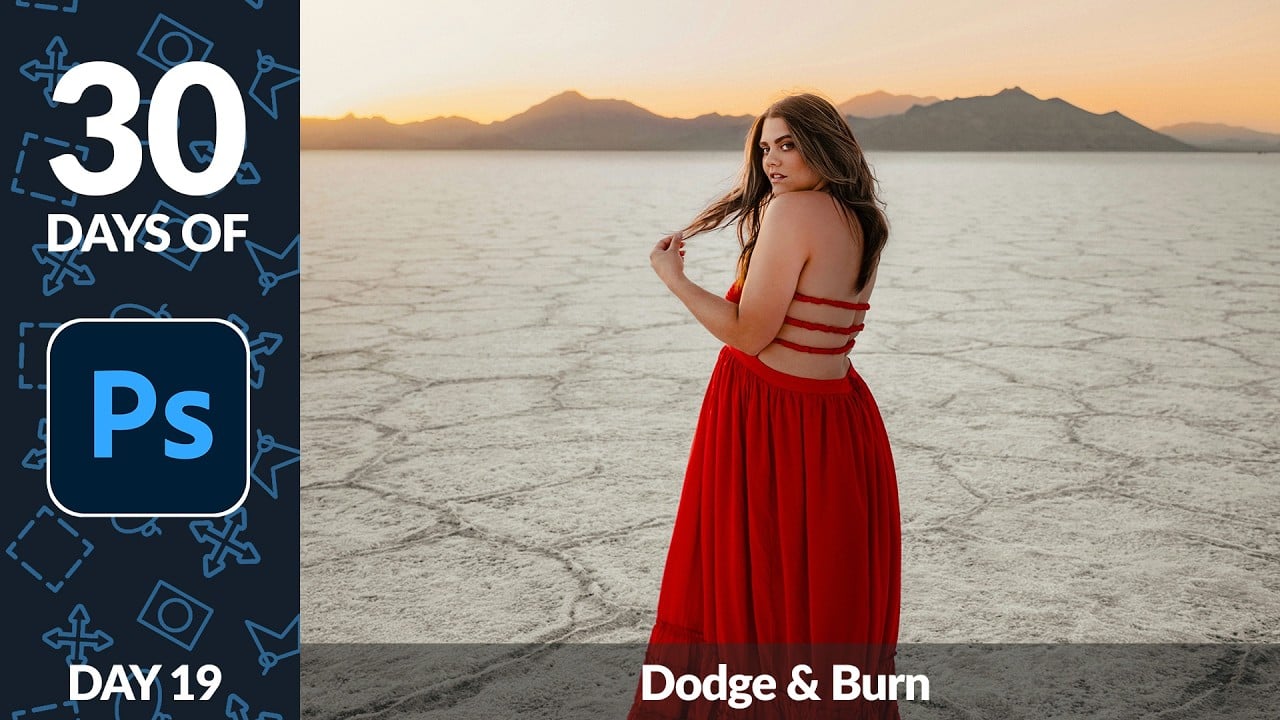
Aaron Nace’s PHLEARN channel has long been a cornerstone for Photoshop and Lightroom learners. With over two million subscribers, he offers crisp, professional tutorials on retouching, compositing, and color correction. His lessons combine creativity with industry-standard workflows used by professional photographers. Aaron’s background in fine art adds depth and precision to his digital editing techniques. PHLEARN’s structured content helps learners progress from beginner to advanced efficiently. His dedication to accessible, high-quality education has made him a trusted figure in the digital design community.
TOP TECH INFLUENCERS TEACHING GRAPHIC DESIGN SOFTWARE #6. Satori Graphics
Satori Graphics, led by Tom Cargill, is one of the top channels for mastering Adobe Illustrator. With more than 1.5 million followers, it focuses on professional logo design and brand identity tutorials. Tom’s minimalist design philosophy and clear communication make his lessons easy to follow. His videos cover everything from grid-based layouts to typography refinement. Satori Graphics has become a go-to source for designers aiming to polish their branding skills. The channel’s practical exercises help viewers build real-world portfolios with confidence.

TOP TECH INFLUENCERS TEACHING GRAPHIC DESIGN SOFTWARE #7. tutvid (Nathaniel Dodson)
Nathaniel Dodson’s tutvid channel is a treasure chest of Adobe Creative Suite tutorials. With over 1.3 million subscribers, he’s known for detailed breakdowns of Photoshop, Illustrator, and After Effects. His energetic voiceovers and comprehensive explanations appeal to both beginners and professionals. Nathaniel often dives deep into design theory while keeping his videos approachable. The channel has become a resource for anyone wanting to refine both technical and artistic design skills. His passion for digital education continues to influence the next generation of creators.

TOP TECH INFLUENCERS TEACHING GRAPHIC DESIGN SOFTWARE #8. DesignCourse (Gary Simon)
Gary Simon’s DesignCourse merges UI/UX design with software mastery. With 1.15 million subscribers, he teaches Figma, Adobe XD, and Illustrator with a strong focus on interface usability. His real-world examples bridge the gap between graphic and product design. Gary’s content helps creatives transition into modern tech-focused design careers. His direct, no-fluff teaching style appeals to those who prefer practical learning. DesignCourse remains a favorite among digital designers building apps and web experiences.

TOP TECH INFLUENCERS TEACHING GRAPHIC DESIGN SOFTWARE #9. Justin Odisho
Justin Odisho is a designer and video editor with over a million subscribers on YouTube. He blends Photoshop, Premiere Pro, and After Effects tutorials into one seamless creative workflow. His content focuses on efficiency and visual storytelling for creators. Justin is known for balancing advanced techniques with clear explanations. His teaching style helps professionals integrate design across photo and video projects. Over the years, he’s built a loyal following among digital creators looking to refine their creative output.

TOP TECH INFLUENCERS TEACHING GRAPHIC DESIGN SOFTWARE #10. Blue Lightning TV (Deke McClelland)
Deke McClelland’s Blue Lightning TV has educated Photoshop enthusiasts for over a decade. His one-million-strong audience appreciates his polished, professional tone and precise editing techniques. Deke’s tutorials explore everything from 3D effects to text manipulations. Each video feels like a hands-on class in digital craftsmanship. His background in Adobe-certified training gives his lessons exceptional clarity and reliability. Blue Lightning TV remains a timeless source for anyone wanting to elevate their Photoshop mastery.
TOP TECH INFLUENCERS TEACHING GRAPHIC DESIGN SOFTWARE #11. Dansky
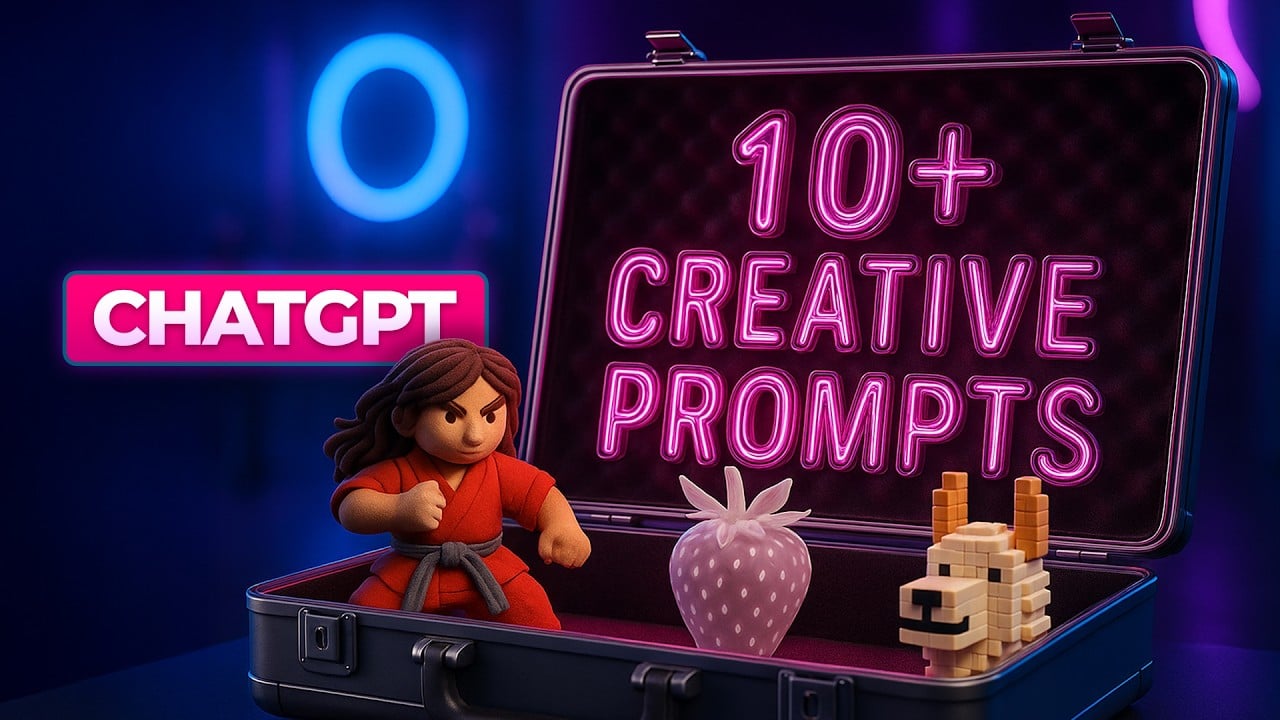
Dansky, a graphic designer with nearly one million subscribers, is known for his calm and clear teaching style. His tutorials on Adobe Illustrator, XD, and general design principles make him a trusted educator. He emphasizes visual balance, composition, and real-world projects. Dansky’s approachable tone creates an inviting space for beginners. His channel has grown into a creative toolkit for both designers and freelancers. He consistently empowers learners to design with confidence and intention.
TOP TECH INFLUENCERS TEACHING GRAPHIC DESIGN SOFTWARE #12. Will Paterson
Will Paterson specializes in logo design and Illustrator tutorials, captivating almost a million subscribers. His focus on branding and typography sets him apart from other creators. Will’s videos often include live design critiques and speed-logo challenges. His honesty and passion for craft have earned him deep respect in the design community. Beyond tutorials, he discusses freelancing, contracts, and creative careers. His content helps bridge artistic skill with real-world professional growth.
TOP TECH INFLUENCERS TEACHING GRAPHIC DESIGN SOFTWARE #13. Ben Marriott
Ben Marriott brings animation to life through motion graphics tutorials. His YouTube channel, followed by nearly 900K subscribers, blends design and storytelling using After Effects. His fun and expressive teaching style simplifies motion for visual designers. Ben’s emphasis on visual rhythm and character animation gives his lessons unique charm. His projects are visually rich yet technically accessible. He’s become a favorite among designers seeking to expand into animation and digital storytelling.
TOP TECH INFLUENCERS TEACHING GRAPHIC DESIGN SOFTWARE #14. Gareth David Studio
Gareth David Studio is a hub for creatives wanting to learn Illustrator and Photoshop design projects. With over 800K subscribers, Gareth shares clear and structured step-by-step tutorials. His focus on consistency, layout, and branding helps learners understand design systems deeply. Each lesson is crafted with clarity and purpose, reflecting years of design experience. His approach makes even complex concepts feel approachable. Gareth’s tutorials continue to empower thousands of aspiring designers worldwide.
TOP TECH INFLUENCERS TEACHING GRAPHIC DESIGN SOFTWARE #15. Yes I’m a Designer (Martin Perhiniak)
Martin Perhiniak, an Adobe Certified Instructor, leads the channel Yes I’m a Designer. His structured curriculum covers Illustrator, Photoshop, and InDesign at a professional level. With nearly 700K subscribers, Martin focuses on both skill and theory. He combines technical tutorials with insights from real client work. His teaching emphasizes design thinking alongside creative tools. Martin’s precision-driven lessons are ideal for those who want to master Adobe applications efficiently.

TOP TECH INFLUENCERS TEACHING GRAPHIC DESIGN SOFTWARE #16. Spoon Graphics (Chris Spooner)
Chris Spooner runs Spoon Graphics, a long-standing blog and YouTube channel with over half a million followers. His Illustrator and Photoshop tutorials focus on vintage, textured, and illustrative styles. Chris often shares behind-the-scenes looks into his creative workflow. His content is practical, inspiring, and grounded in real client experience. Spoon Graphics has become a reliable resource for learning applied design techniques. His calm and clear instruction makes even advanced topics feel easy to grasp.
TOP TECH INFLUENCERS TEACHING GRAPHIC DESIGN SOFTWARE #17. Logos By Nick
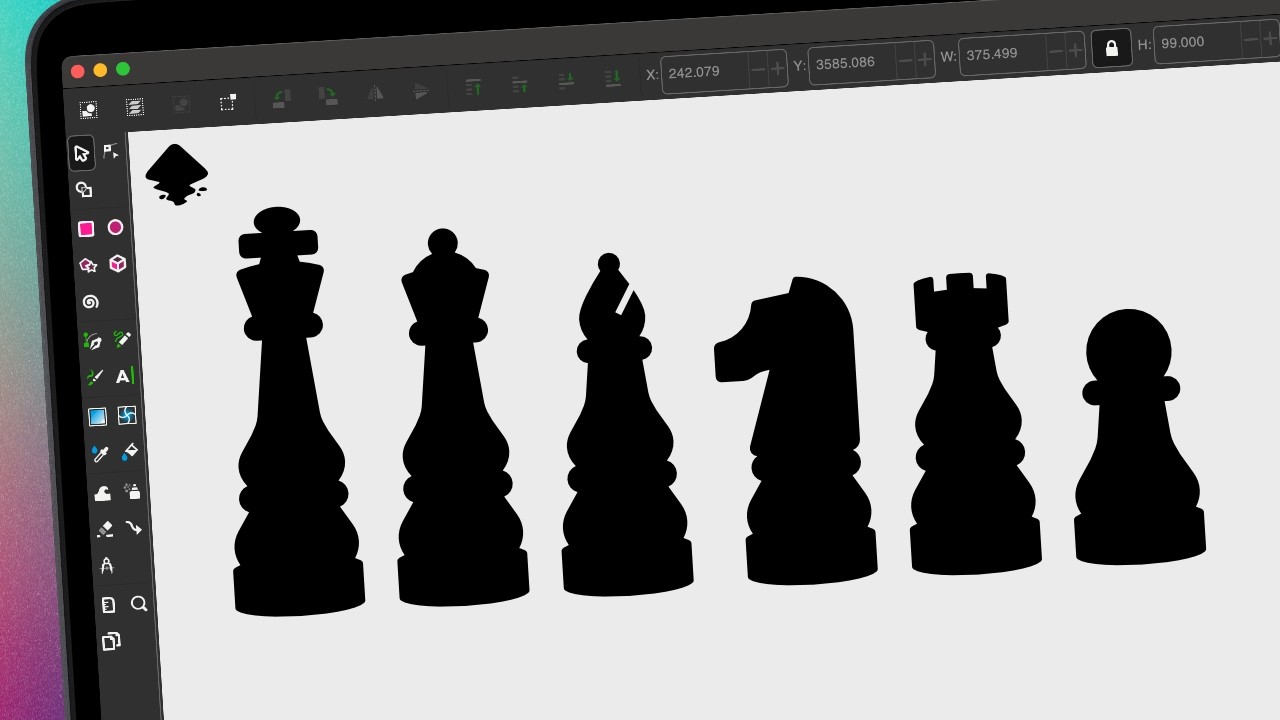
Nick Saporito, known as Logos By Nick, is the go-to educator for open-source design tools. With more than 500K followers, he teaches Inkscape, GIMP, and Illustrator for aspiring logo designers. His tutorials help those without access to Adobe software develop professional skills. Nick’s step-by-step breakdowns make complex tasks simple and achievable. His practical examples appeal to freelancers and entrepreneurs alike. He’s proven that creativity thrives beyond brand-name software.
TOP TECH INFLUENCERS TEACHING GRAPHIC DESIGN SOFTWARE #18. Howard Pinsky (Iceflow Studios)
Howard Pinsky is an Adobe educator and senior designer who shares Photoshop and UI tutorials. With nearly half a million followers, his work combines traditional design with modern interface creation. Howard’s lessons balance creativity with technical accuracy. His tutorials are clean, concise, and always up-to-date with Adobe’s latest features. He also emphasizes efficient workflows that save designers hours. His calm, professional tone makes learning Photoshop feel easy and empowering.
TOP TECH INFLUENCERS TEACHING GRAPHIC DESIGN SOFTWARE #19. Abi Connick
Abi Connick is a brand designer and content creator whose channel explores design process and identity building. With over 425K subscribers, she blends Illustrator tutorials with brand strategy insights. Her videos are a mix of personal storytelling and educational deep dives. Abi’s aesthetic-driven approach inspires designers to think beyond just visuals. She’s gained recognition for showing how design decisions shape business perception. Her content connects emotional branding with technical skill.
TOP TECH INFLUENCERS TEACHING GRAPHIC DESIGN SOFTWARE #20. Zimri Mayfield
Zimri Mayfield’s energetic logo redesign videos have made him a standout creator. With over 420K followers, he teaches Illustrator techniques through entertaining challenges. His content blends humor, creativity, and genuine design critique. Zimri often reimagines famous brand logos, giving viewers insight into design improvement. His videos encourage playful experimentation and confidence in creative choices. He’s known for turning every lesson into a lively design experience.
TOP TECH INFLUENCERS TEACHING GRAPHIC DESIGN SOFTWARE #21. AJ&Smart
AJ&Smart is a Berlin-based design agency turned educational powerhouse. Their channel, with over 400K subscribers, specializes in Figma and product design tutorials. They focus on design sprints, collaboration, and UX strategy. The team’s practical, fast-paced teaching helps designers apply concepts immediately. Their energy makes complex systems thinking feel approachable. AJ&Smart continues to influence how global teams collaborate through design tools.
TOP TECH INFLUENCERS TEACHING GRAPHIC DESIGN SOFTWARE #22. Charley Pangus
Charley Pangus is a graphic designer and educator focusing on apparel and merchandise design. With almost 300K subscribers, he teaches Photoshop and Illustrator through real-world branding projects. His tutorials often cover t-shirt design, product templates, and digital mockups. Charley’s content connects design principles with e-commerce creativity. He empowers artists to turn design skills into business opportunities. His approachable teaching style has made him a favorite among print-on-demand designers.
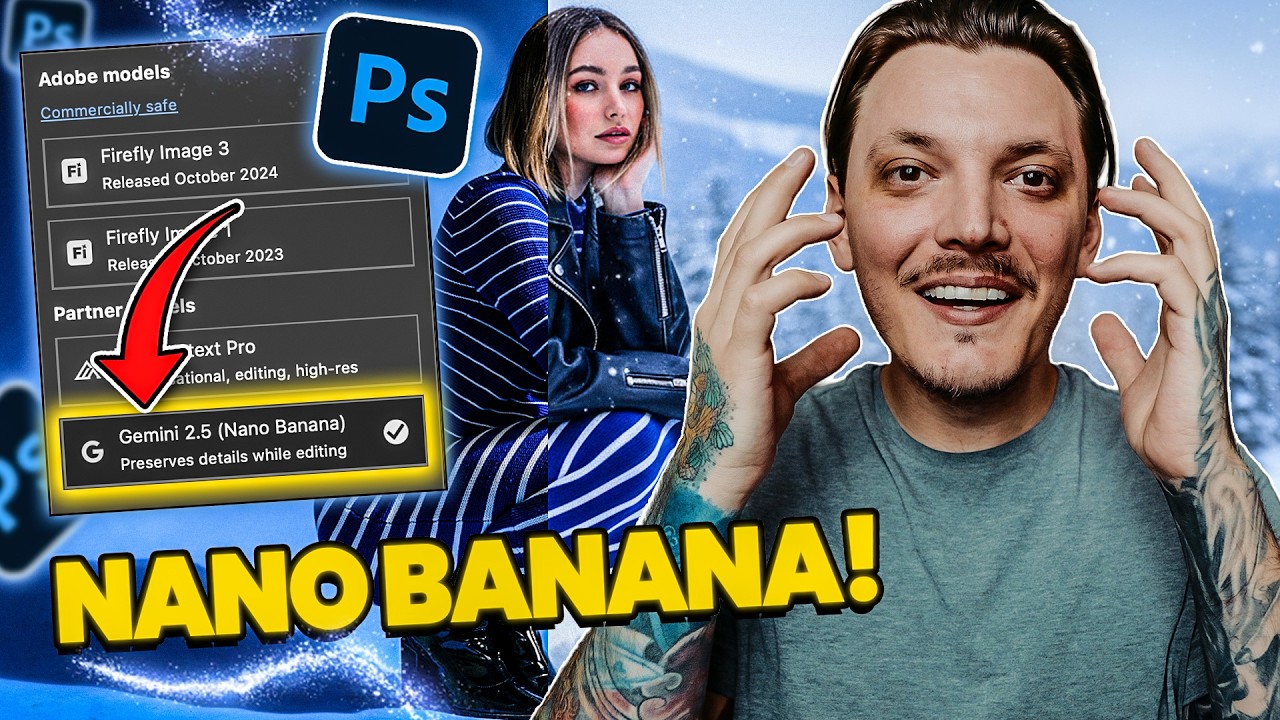
TOP TECH INFLUENCERS TEACHING GRAPHIC DESIGN SOFTWARE #23. Mizko
Mizko is a UX/UI designer and educator known for his high-quality Figma tutorials. With over 210K followers, he simplifies design systems, wireframing, and user interface logic. His content focuses on elevating design efficiency for startups and freelancers. Mizko’s clean aesthetic and structured lessons appeal to modern digital professionals. He regularly shares insights on workflow optimization and client collaboration. His tutorials help bridge the gap between creativity and scalable design systems.
TOP TECH INFLUENCERS TEACHING GRAPHIC DESIGN SOFTWARE #24. Punit Chawla
Punit Chawla’s YouTube channel is a hub for sleek, modern UI design. With 170K subscribers, he blends web design, Figma, and animation in a visually striking way. His videos often explore minimalist layouts and user-centered interfaces. Punit’s approachable tone makes professional design concepts easy to grasp. He empowers designers to create elegant, functional visuals across devices. His growing influence in India’s design scene continues to expand globally.
TOP TECH INFLUENCERS TEACHING GRAPHIC DESIGN SOFTWARE #25. Gareth David Studio
Gareth David Studio, with over 800K followers, remains a vital learning space for Adobe enthusiasts. Gareth teaches Illustrator and Photoshop in an organized, accessible way. His content focuses on practical design execution and portfolio development. Each tutorial feels like a classroom session designed for self-paced learners. His voice and clarity set him apart from other creators. Gareth’s tutorials remain a trusted entry point for thousands starting their graphic design journey.
CONCLUSION
What’s remarkable is how these creators have redefined what it means to learn design in the digital age. They’ve proven that education doesn’t have to come from institutions—it can come from people who simply love to teach. Their passion shows in every click, every color adjustment, and every breakdown of a complex tool into something anyone can grasp. You can feel the years of trial, curiosity, and obsession behind their tutorials. Many started out experimenting alone and now guide millions through the same creative maze they once navigated.
There’s an authenticity in that, a kind of mentorship that feels raw and personal. They’ve turned YouTube playlists into classrooms, complete with feedback loops and inspiration boards. Every time a new designer uploads their first poster or UI mockup, you can trace the influence of these voices. They’ve built something bigger than channels—they’ve built a culture of sharing, experimenting, and learning together. And that’s what makes them more than influencers; they’re the architects of creativity’s modern classroom.
Disclaimer: The influencers featured in this article are highlighted for editorial and informational purposes only. All embedded social media posts are displayed using the official embed tools provided by their respective platforms (Instagram, TikTok, YouTube, etc.), in accordance with platform terms of service. We do not claim ownership of any embedded content, and all rights remain with the original creators. If you are an influencer featured here and would like your content removed or updated, please contact us directly.